
App for Windows (USB, .NET)

To control your earplug tester with USB interface you can use this new Store App. This app is designed to control your tester as a solid and future proof application to function smoothly and securely with Windows 11.
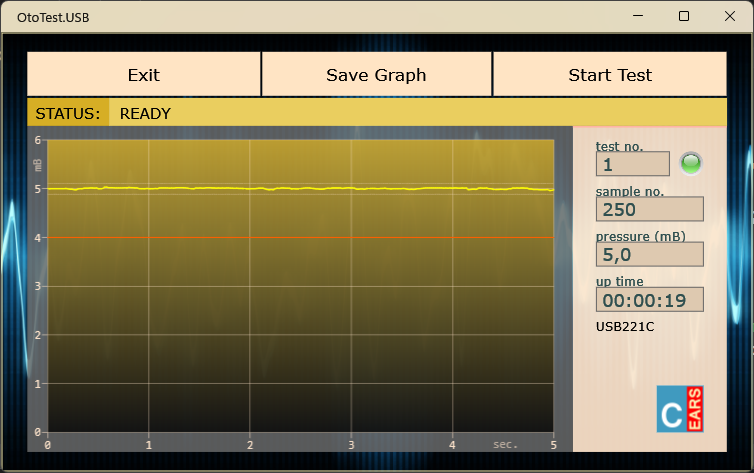
The image above shows a screenshot of the OtoTest.USB app under Windows 11, after an ideal measurement.
The app works on any Windows platform. To download and install the app visit the Microsoft Store, for example by clicking on the Microsoft Store Logo above.
Our new USB app is called OtoTest.USB (with which you can search if necessary) and is located in the category “Productivity” in the Microsoft Store. Via OtoTest.USB in the Microsoft App Store you’ll be taken to OtoTest.USB app in a separate tab. Current version: 1.1.0.
In the store you can [Download] the app and then install it your self, or, after clicking [View in Store], Windows will open the Store App and install the OtoTest.USB app directly onto your system.
An (additional) manual is available for this app at the end of this page: Manual Windows (USB), which also covers the installation.
Manual Windows (USB)
This is the additional manual for USB leakage testers that will be controlled with the new OtoTest.USB app under Windows 11. This manual contains instructions on how to obtain, install and use the OtoTest.USB app.